 Return Deadline
Return Deadline
Return Deadline watches the last day you can send something back and counts down the days, so no returns window ever closes without you noticing.
Download on the App Store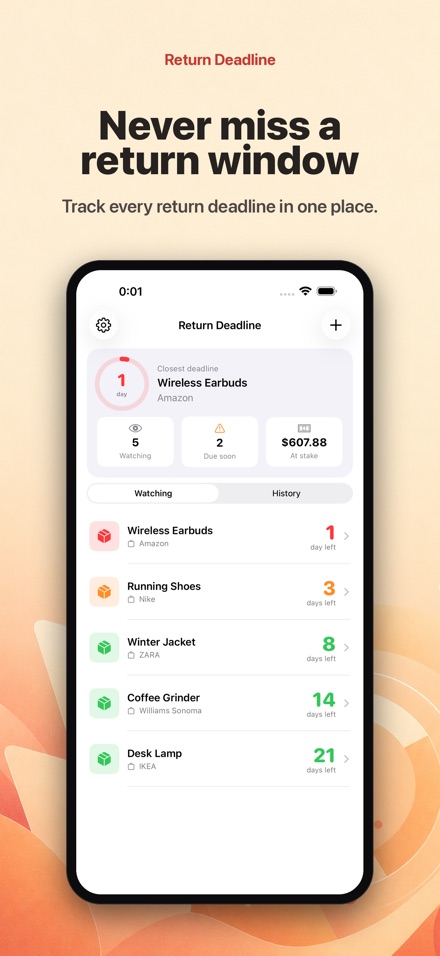
Screenshots
Features
The final day, worked out for you
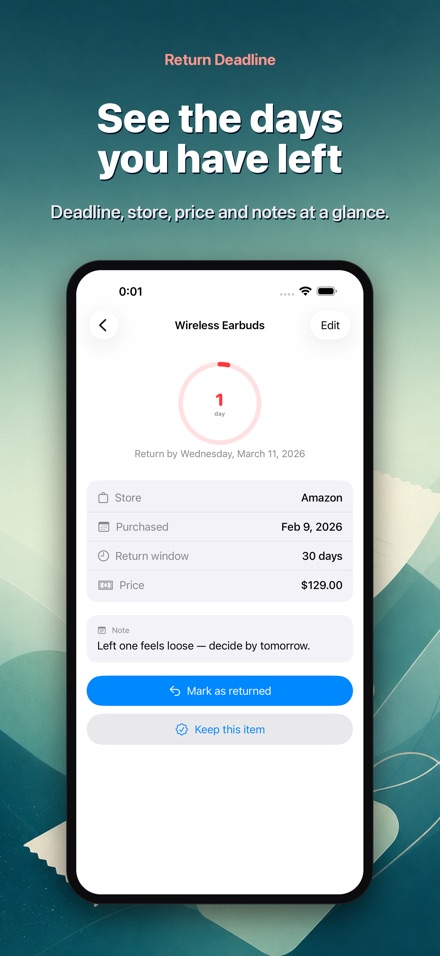
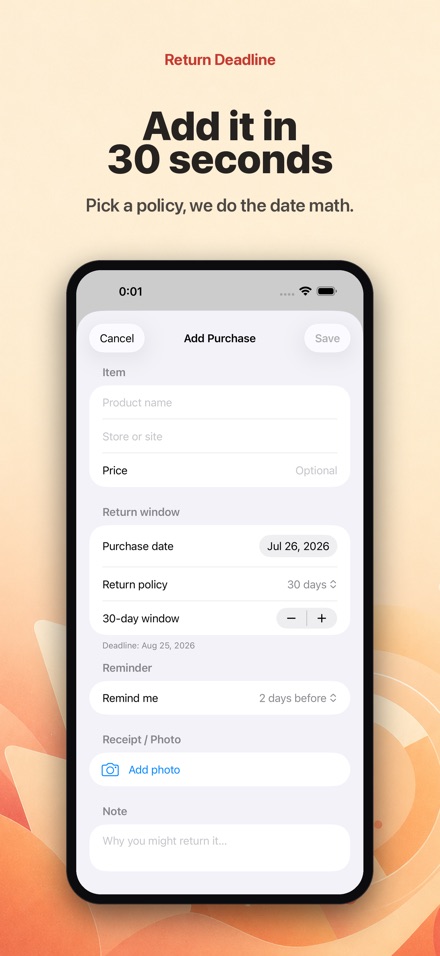
Enter the item, the shop, what you paid, the purchase date and the returns policy - 14, 28, 30, 60, 90 days or whatever number applies. Return Deadline does the date arithmetic and shows the exact last day you can take it back or hand it to the courier.
Colour tells you how urgent it is
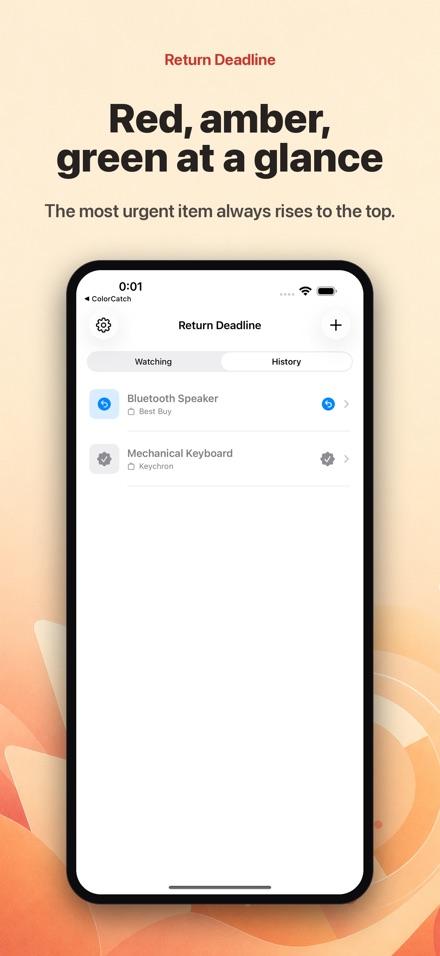
Red means today or tomorrow, amber means three days or fewer, green means you still have room, grey means the window has closed. The list sorts itself by urgency, so the item that needs a decision is always at the top when you open the app.
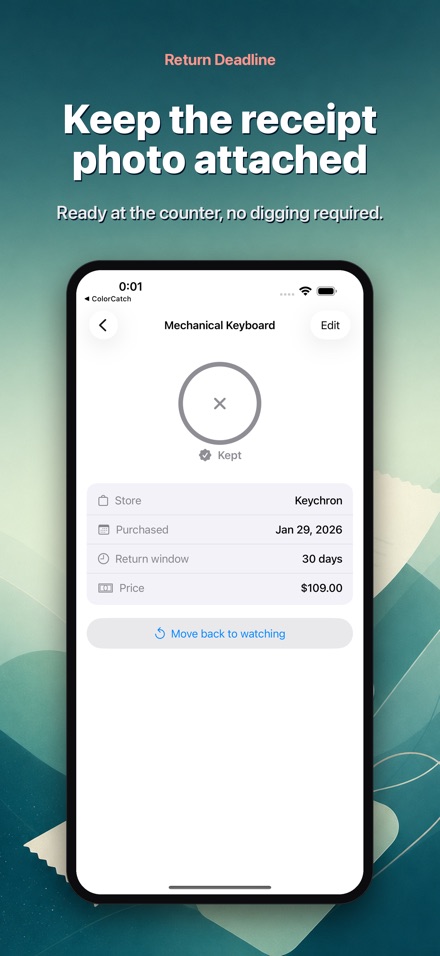
Keep the receipt with the item
Attach a photo of the receipt, the dispatch note or the item itself. At the returns desk you have proof of purchase in your hand rather than hunting through your inbox for a confirmation email.
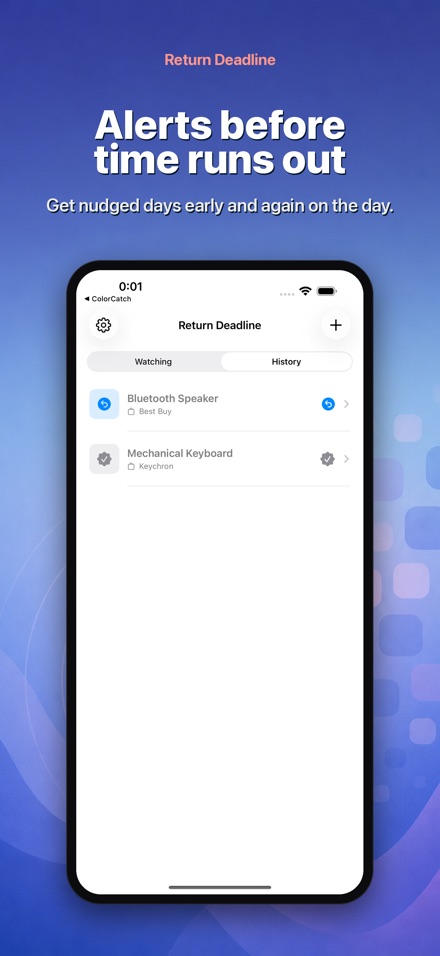
Reminders before the window shuts
A notification arrives a set number of days before the cut-off and again on the final day. Choose how much warning you want and what time of day it lands, then stop trying to remember.
Returned or Kept, then out of the way
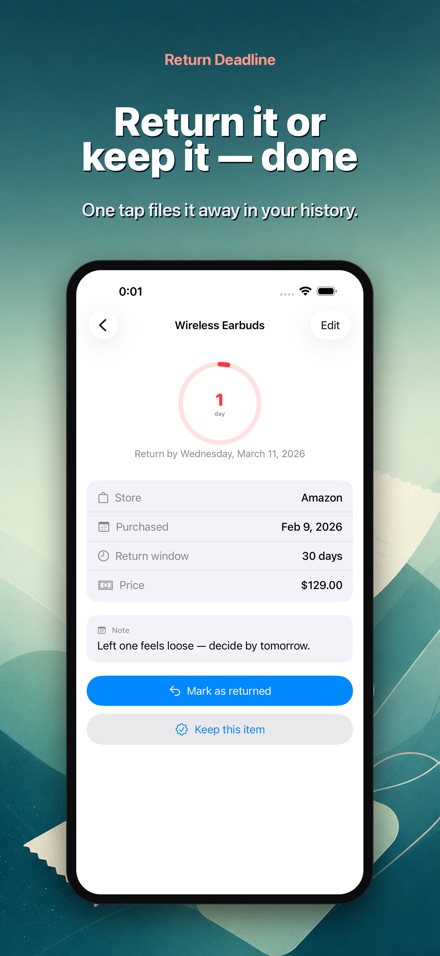
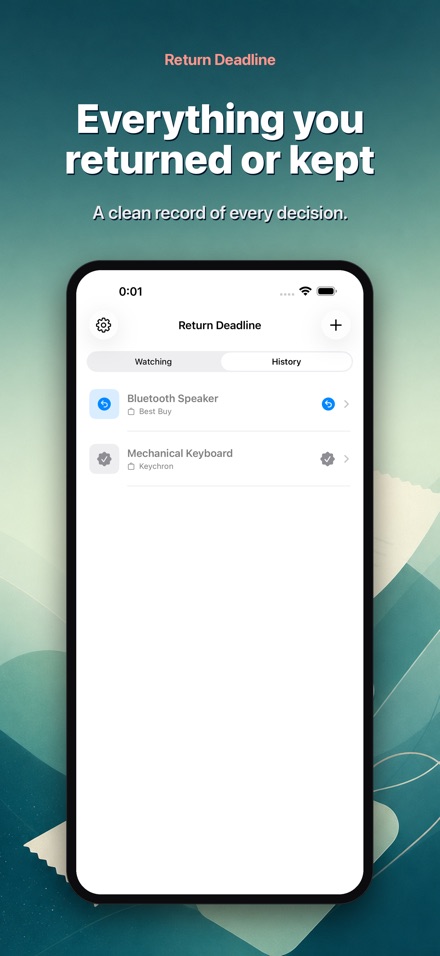
Once you have decided, mark the item Returned or Kept and it moves to your history. The main list stays short and shows only the purchases you have not settled.
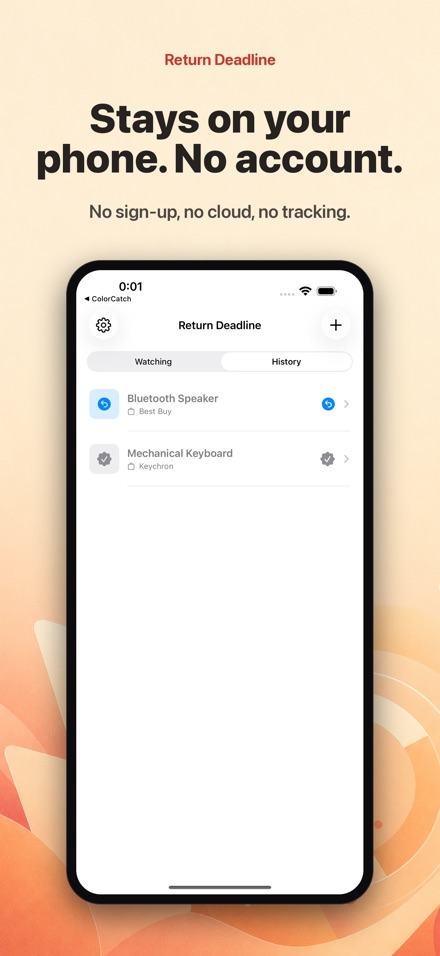
Yours alone, bought once
Items, prices and photos all stay on your iPhone. No account, no sign-in, no ads, nothing uploaded. One payment, no subscription.
Got something sitting in the hallway that you might send back? Return Deadline does one job: it watches the last day you can return or exchange each item, and counts down the days.
Adding a purchase takes seconds. Enter the item, the shop, what you paid, the purchase date and the returns policy (7, 14, 28, 30, 60 or 90 days). The app works out the final day for you.
SEE THE URGENCY AT A GLANCE
• Red means today or tomorrow: decide now
• Amber means three days or fewer
• Green means you still have time
• Grey means the window has closed
The list sorts itself by urgency, so the item you need to deal with is always at the top.
REMINDERS SO IT DOESN'T SLIP
A notification arrives a few days before the cut-off, and again on the final day. No need to add anything to your calendar.
KEEP THE RECEIPT WITH IT
Attach a photo of the receipt, the order confirmation or the item itself, so you are not hunting for proof of purchase at the returns desk.
TIDY IT AWAY WHEN DONE
Mark each item Returned or Kept and it moves to your history. The main list stays clean, showing only what is still undecided.
FOR ONLINE ORDERS AND THE HIGH STREET
Clothes in the wrong size, a gadget that was faulty from day one, a gift you would rather exchange, or a big sale haul you have gone off. Online orders come with a statutory 14-day cancellation right, while shops set their own goodwill returns periods, often 28 or 30 days. Set whatever number of days applies.
PRIVATE BY DEFAULT
Everything stays on your device. No account, no sign-in, no ads. Buy it once, with no monthly subscription.
Returns windows close quietly. Add the item, watch the countdown, and decide before it's too late.
Please note: the return date shown is an estimate based on the date you enter. Always check the seller's own returns policy to confirm whether a return or exchange is actually possible.