 RulerSet: Ruler & Protractor
RulerSet: Ruler & Protractor
Precise measurement tools that fill your iPhone and iPad screen.
Download on the App Store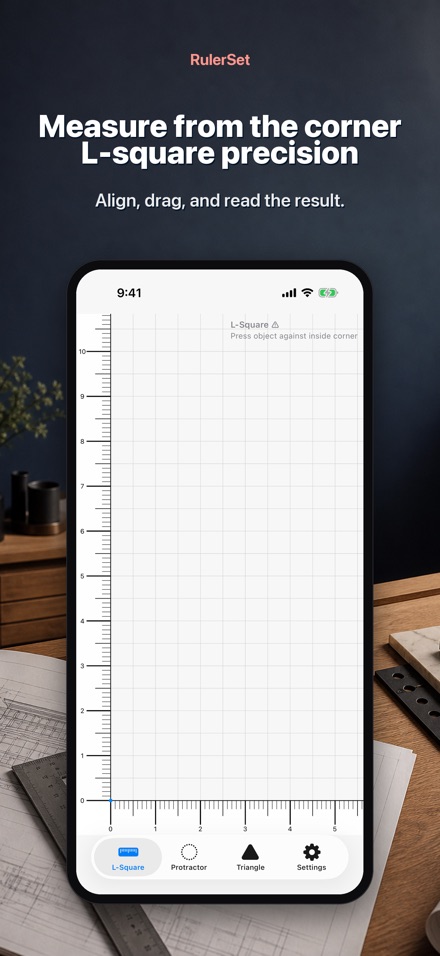
Screenshots
Features
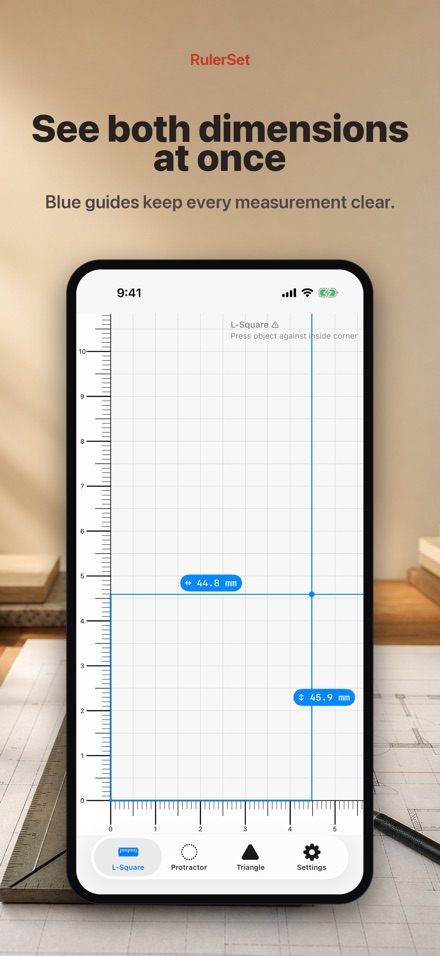
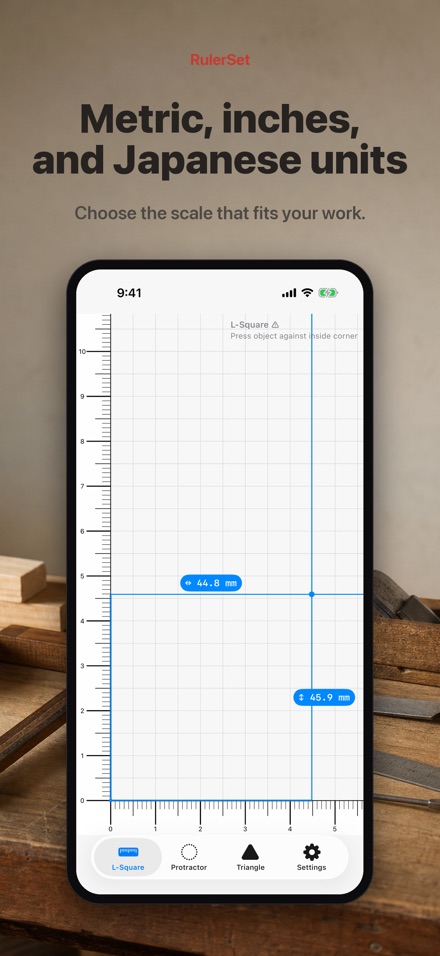
L-Square measurement
Measure width and height from the corner with persistent blue guides.
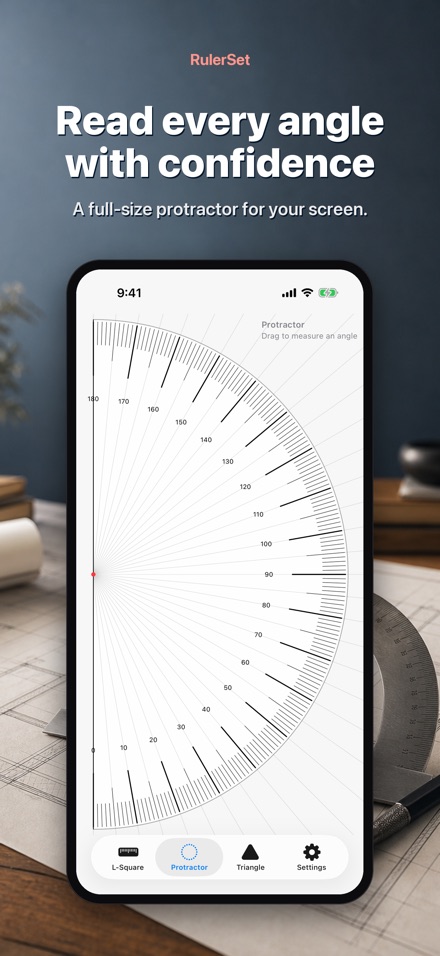
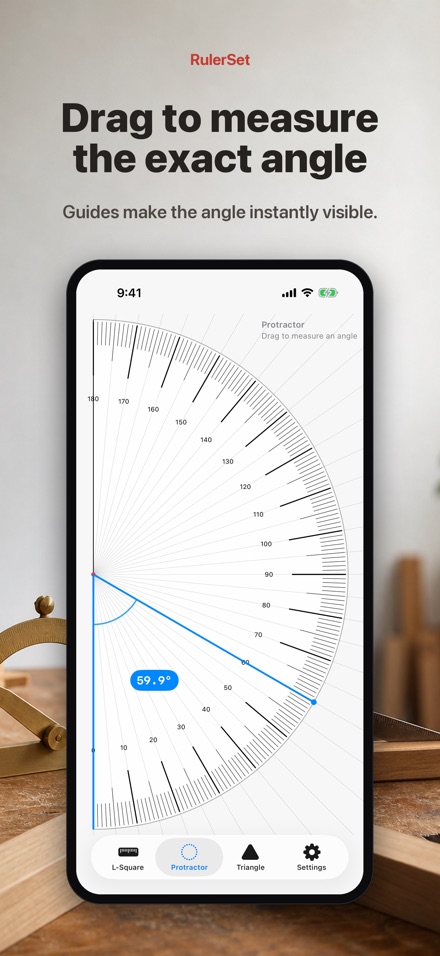
Full-screen protractor
Drag from the centre to read angles with clear radial guides.
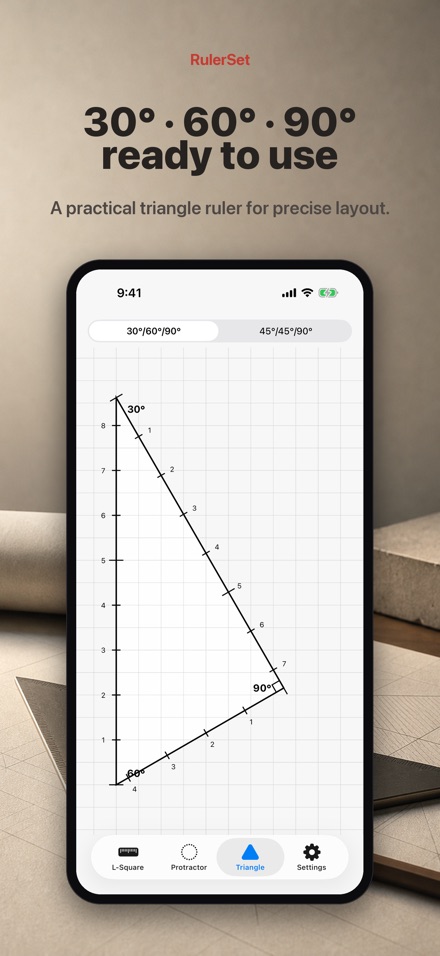
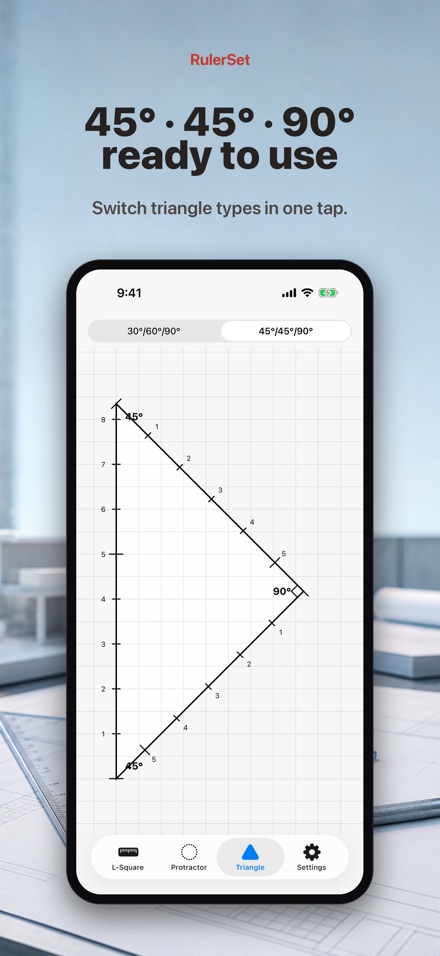
Two triangle rulers
Use 30°–60°–90° or 45°–45°–90° rulers for drawing and layout.
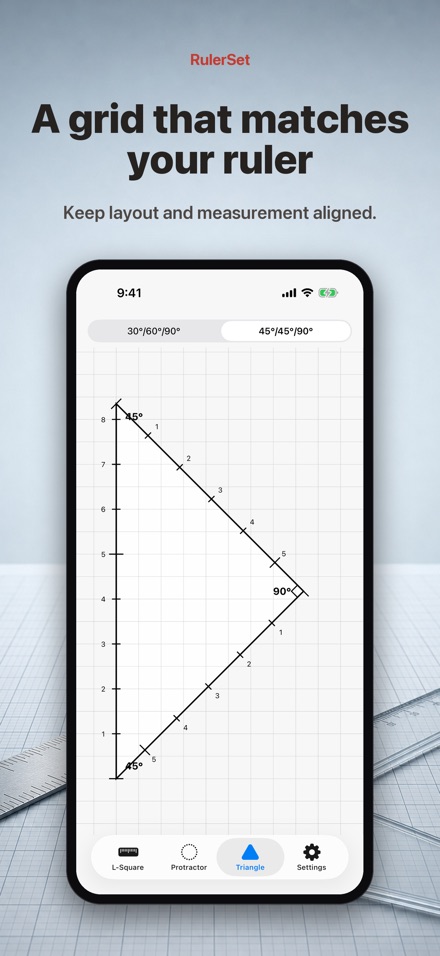
Aligned measurement grids
Grid lines follow each ruler’s scale across the entire canvas.
Multiple measurement units
Select metric, imperial, Kane-shaku, or Kujira-shaku for your work.
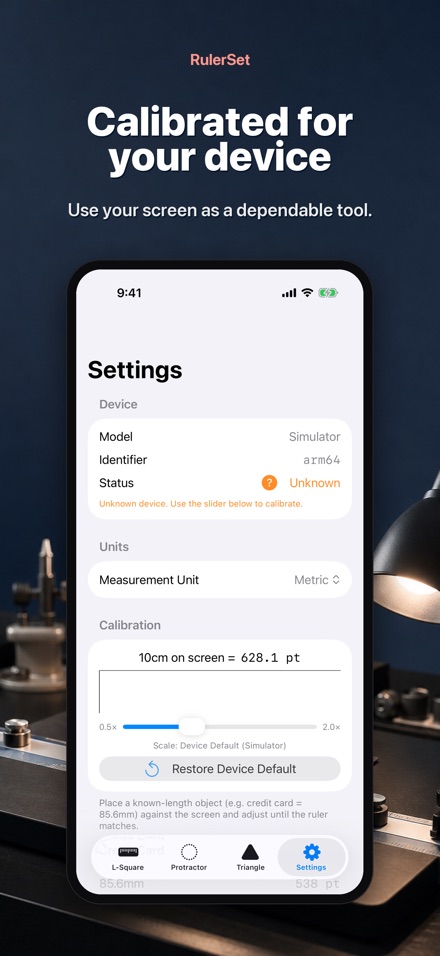
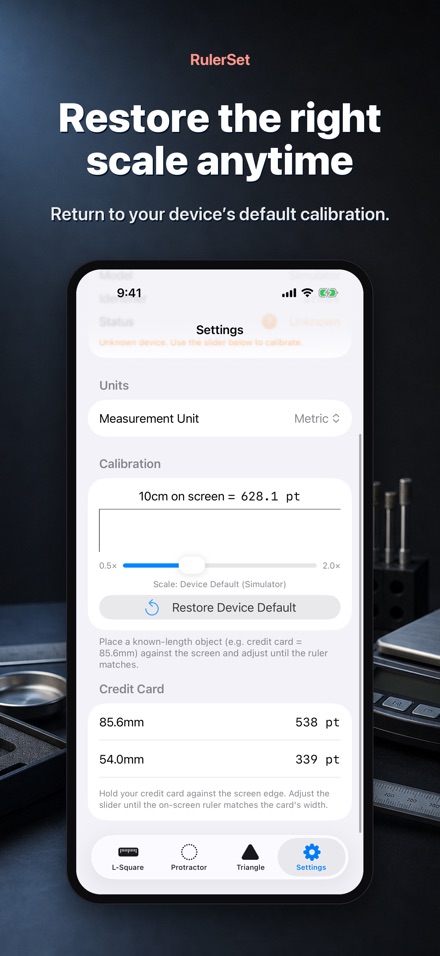
Device calibration
Use the default value for your device model or restore it with one tap.
Turn your iPhone or iPad into a precise ruler, protractor, and triangle ruler.
• Measure from the bottom-left corner with an L-square designed to press against an object.
• Drag anywhere to display persistent blue horizontal and vertical guides with live values.
• Measure angles with a large vertical protractor and blue radial guides.
• Switch between 30°–60°–90° and 45°–45°–90° triangle rulers.
• Use measurement-aligned grids across the entire screen for accurate drafting.
• Choose metric, imperial, and supported Japanese Kane-shaku and Kujira-shaku units.
• Device-specific calibration keeps the scale accurate and can be restored at any time.
RulerSet works offline and does not collect, store, or share personal data.
Useful for DIY, woodworking, sewing, education, technical drawing, and quick measurements.