



Features
Record every swim
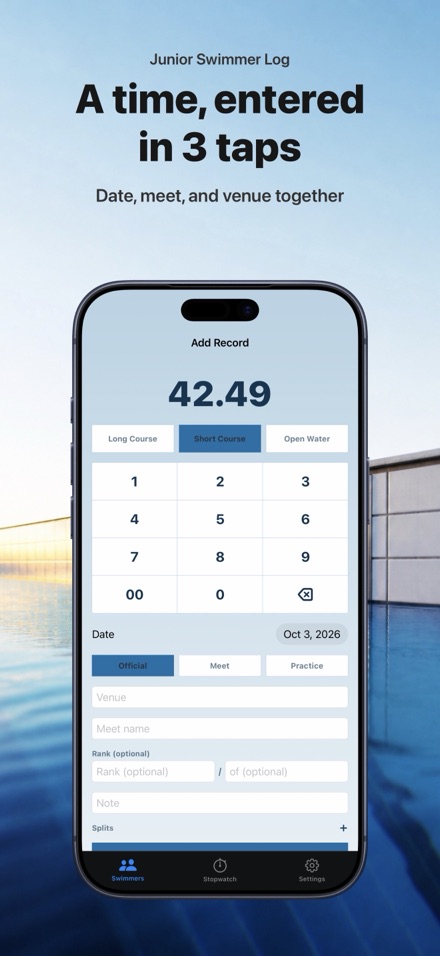
Enter times from practice, meets, or time trials. Your child's progress is right there in the app.
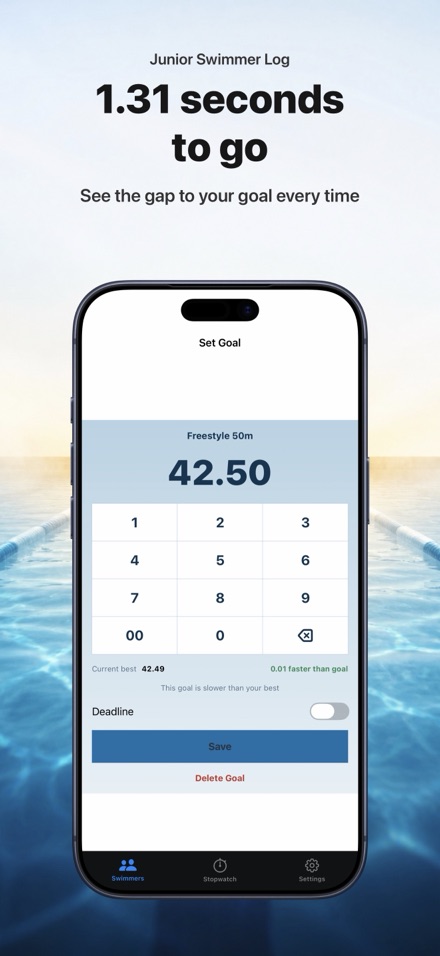
Set goals by course
Pool size matters: 25m, 50m, or yards. Times aren't comparable across pool sizes, so set separate goals for each.
Time it live or enter by hand
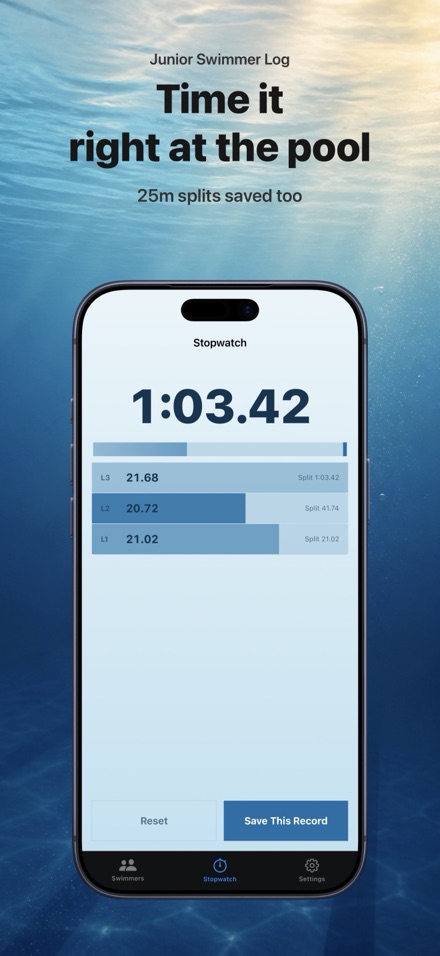
Use the built-in stopwatch poolside, or manually enter times. All data stays safe on your phone.
See the story in a graph
Watch the path from day one to personal best. Upper charts show faster times — the whole story at a glance.
Stopwatch and splits
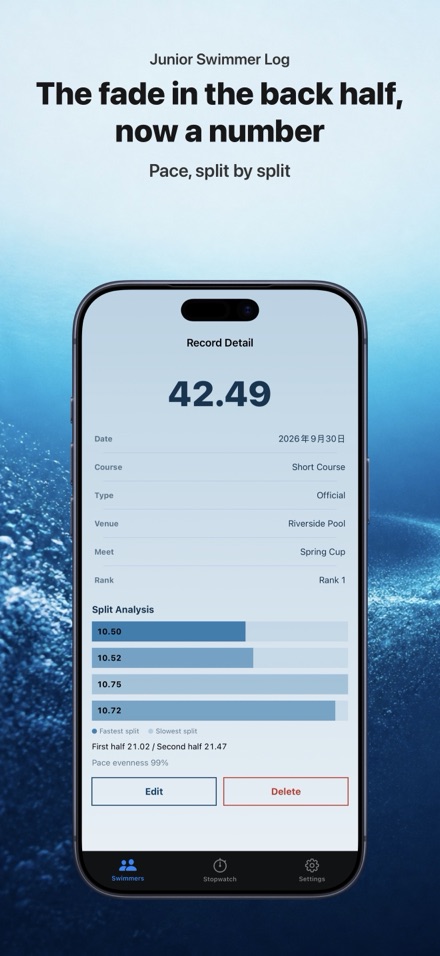
Time lengths poolside with high-precision timing from your phone. Analyze the first half and second half.
Track level progress
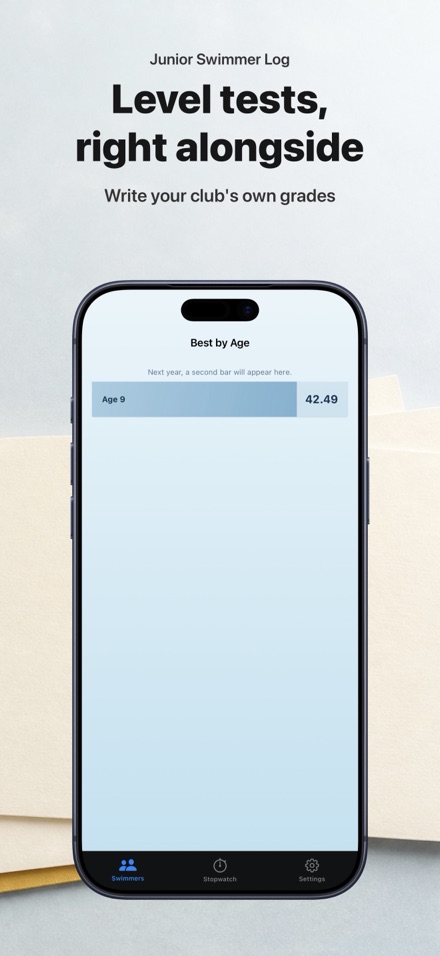
Record swim level tests and which ones were passed. Keep the history right alongside times.
Export your data
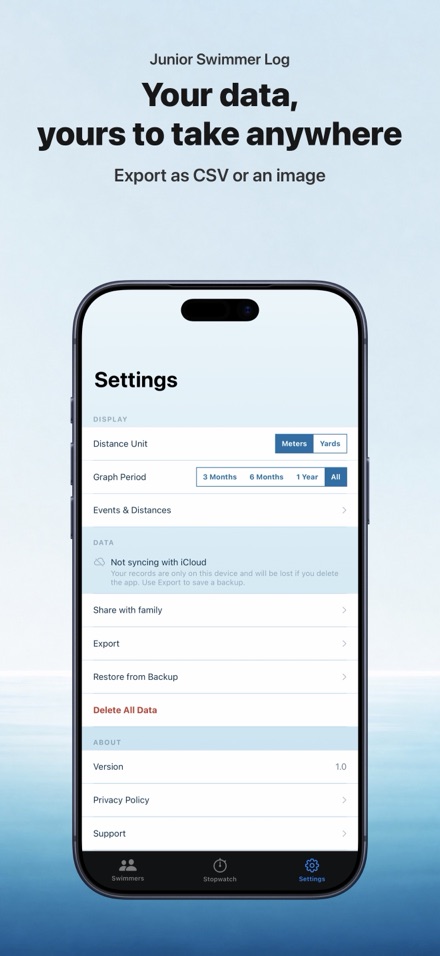
Take your records with you: CSV for spreadsheets, or a card image for printing.
Privacy by design
The developer never sees your data. Records sync through your own iCloud account, and Family Sharing only reaches people you invite. No ads, no tracking, no third-party servers.
Share with family
Invite grandparents or the other parent to follow a swimmer's progress. Each child's records stay private to the people you invite — no one else can see them.
FAQ
Do I need an account?
No. Every swimmer and time is stored on your phone only. No account, no sign-up, no login.
Does the app send my child's data anywhere?
No. SwimTimeLog has no servers of its own and the developer never receives your data. Records sync through your own iCloud account (so they're backed up and available on your other devices), and with Family Sharing they're shared only with people you invite. Nothing goes to the developer or any third party.
Can I use this for more than one child?
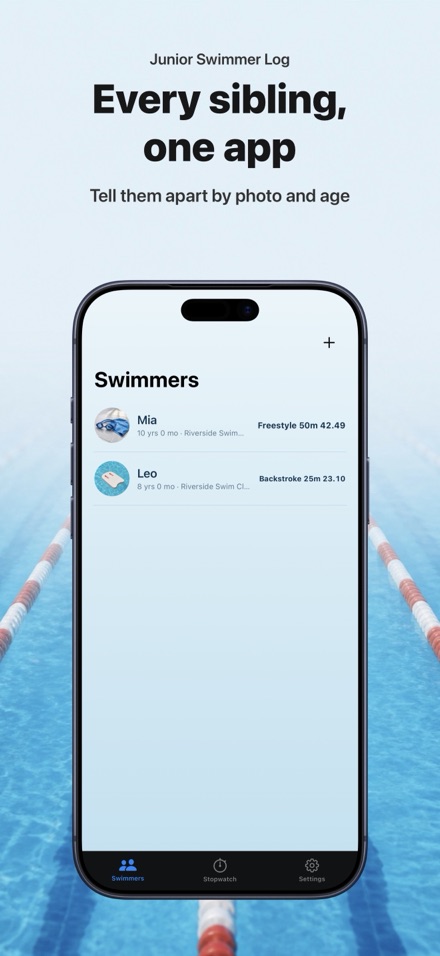
Yes. Add as many swimmers as you have children. Each has their own records, goals, and progress.
Can I back up my data?
Yes. You can export all records as CSV, or as printed card images. Use iCloud or another backup app for automatic backup.
What pool sizes does the app support?
Short course (25 metres), long course (50 metres), and short course yards (25 yards). Records are kept separate for each — no conversion between them.