 WifiWalk: Wi-Fi Spot Finder
WifiWalk: Wi-Fi Spot Finder
WifiWalk: Wi-Fi Spot Finder
Tap once and get a 0–100 score in ten seconds. No RSSI bars—actual response time and data speed at that spot.
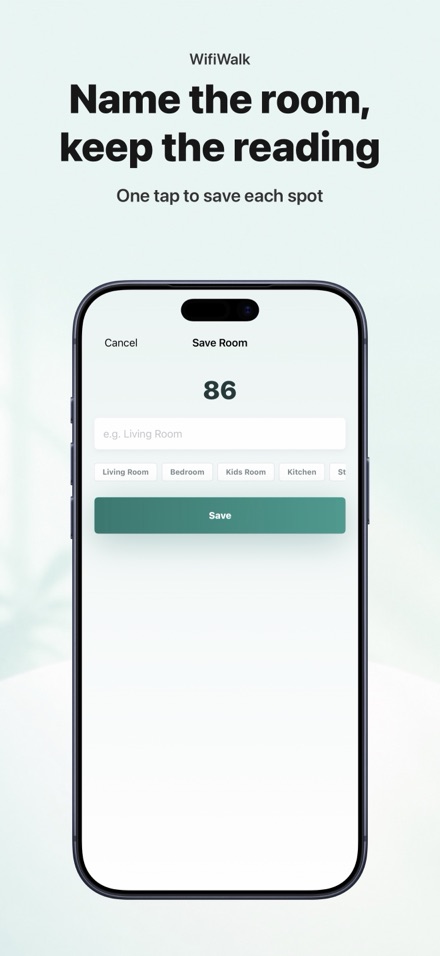
Walk your home and save each room's score. See the whole picture of where Wi-Fi thrives and where it stumbles.
One clear answer: strongest room at a glance, weakest in a callout. Exactly what you need on moving day.
Measure a room, move the router, measure again. See the change with arrows in the history—did it help?
All measurements stay on your phone. No account, no tracking, no cloud. One purchase, one device, period.




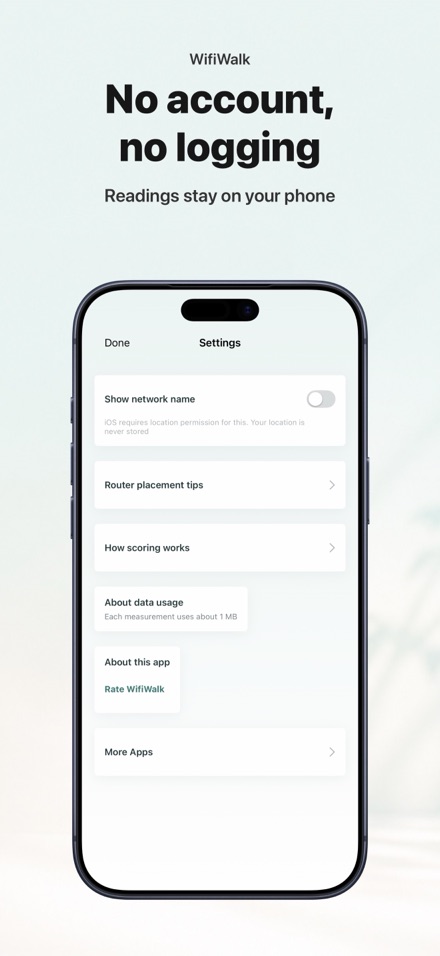
Only if you turn on 'Show network name'—it's off by default. iOS requires location permission to display Wi-Fi network names (not the same as using your location). Your location is never recorded or sent anywhere. The app works perfectly without it.
About 1 MB per measurement: a small HTTP request for latency, and a 1 MB download to measure real speed. On most home Wi-Fi or mobile data, you won't notice it.
iOS doesn't let third-party apps see actual signal strength (RSSI). Instead, WifiWalk measures what matters: how fast the connection responds and how much data it actually moves. That's the real answer to 'does Netflix work here?'
The app will tell you clearly: 'Couldn't measure. Check your connection.' It won't guess or show a fake score.
The app only measures Wi-Fi. If you're on mobile data, it will remind you to connect to Wi-Fi first.