 GasketTrace: Gasket Template
Support
Questions about the calibration mat, printing at true size, or how far GasketTrace can rebuild a broken gasket? The answers below cover what people ask about most, and you can always write to us directly.
FAQ
Where do I get the calibration mat?
You print it yourself. GasketTrace includes an A4/US Letter mat you can open, share and print from inside the app at any time.
I printed it, but the dimensions don't line up. What went wrong?
Almost always the printer scaled the page to fit paper. Turn off "fit to page" / "scale to fit" and print at 100%, then use the check ruler on the sheet to confirm the printed size against a real ruler before you trust anything.
The four corner markers aren't being recognised. What do I do?
Make sure all four corners of the mat are fully visible in the frame, avoid shadows falling across them, and shoot straight down rather than at an angle. Even lighting helps the app find the markers reliably.
How much of a broken gasket can it actually rebuild?
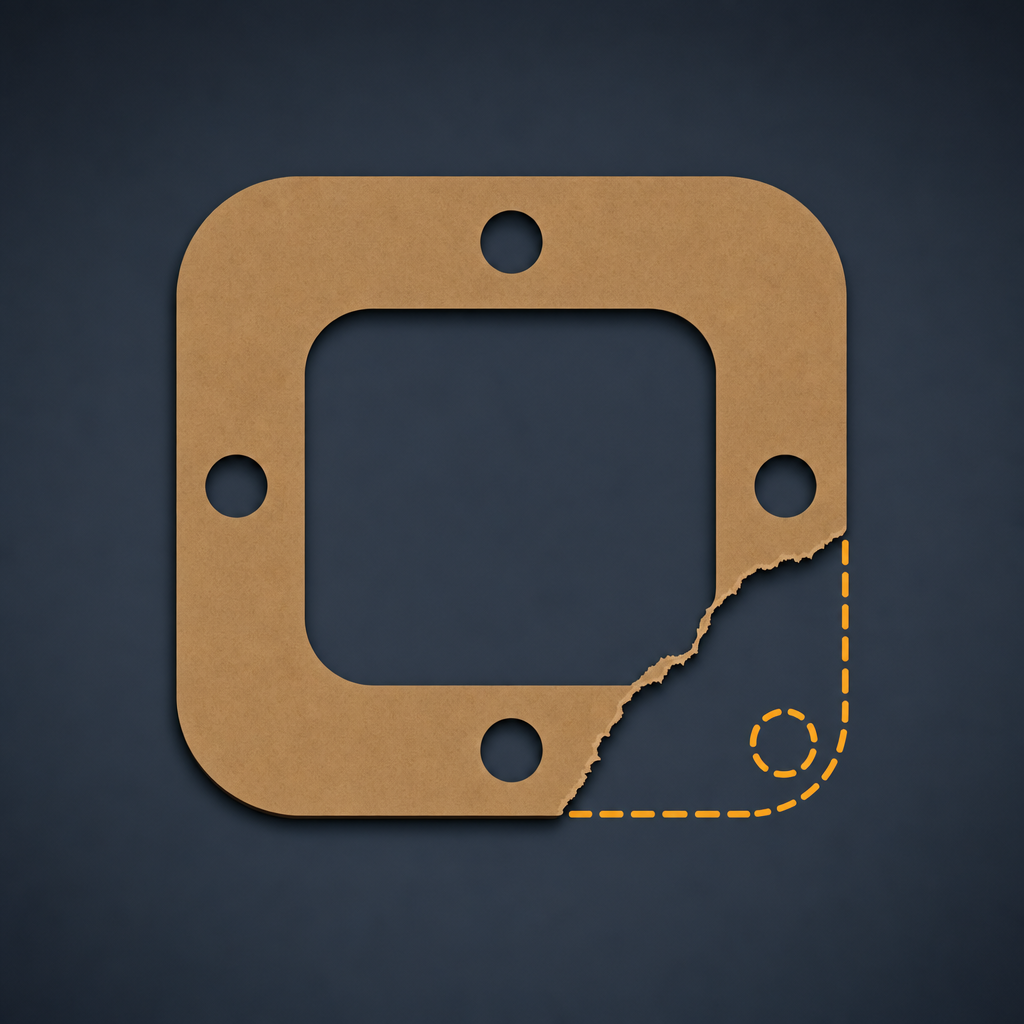
It's an estimate, not a guarantee that the rebuilt shape matches the original exactly. Reconstruction uses symmetry or a smooth curve joining the two broken ends, and every estimated section is marked in a different colour and flagged as estimated in the exported file, so you always know which parts are reconstructed and which are traced from the real object.
Can I use this for a cylinder head gasket?
No. GasketTrace is not for cylinder head gaskets, exhaust, fuel or brake systems, or anything handling high pressure, high temperature or hazardous fluids. It produces a cutting shape only — it does not select material, thickness or torque, and it does not certify a part as safe for those uses.
Which software can open the SVG file?
The SVG is exported in millimetres with a correct viewBox, so it opens at true size in Cricut Design Space, Silhouette Studio, Illustrator, Inkscape and most CAD software.